The agentic loop from finding to validated change
Omniboard turns architecture findings into agent-ready remediation. A lead defines the expected outcome once, agents receive the project-specific context they need, and analyzer validation confirms whether the change resolved the original finding.
- Translate architecture findings into repeatable agent tasks
- Keep agents grounded in project-specific context
- Validate the change with the same check that found the gap
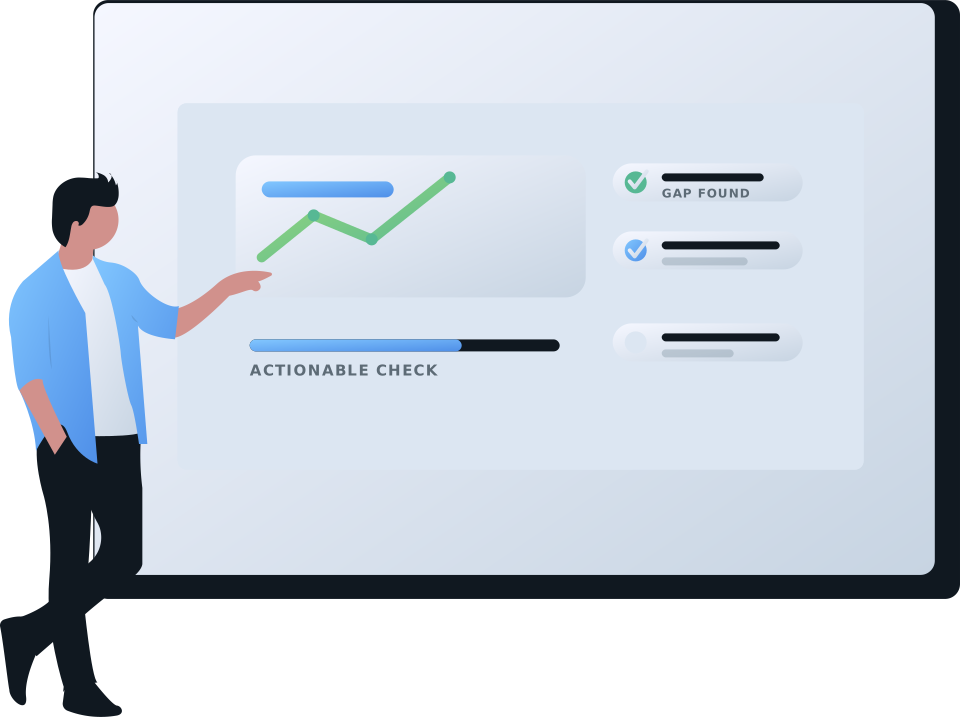
Find the gap
The loop starts with a concrete finding. Omniboard checks the current project state, shows where an agreed standard is missing or outdated, and gives teams a clear reason to act.
- Which projects still use the deprecated API?
- Which projects miss the required config?
- Which projects are not on the target framework version?
Make it agent-ready
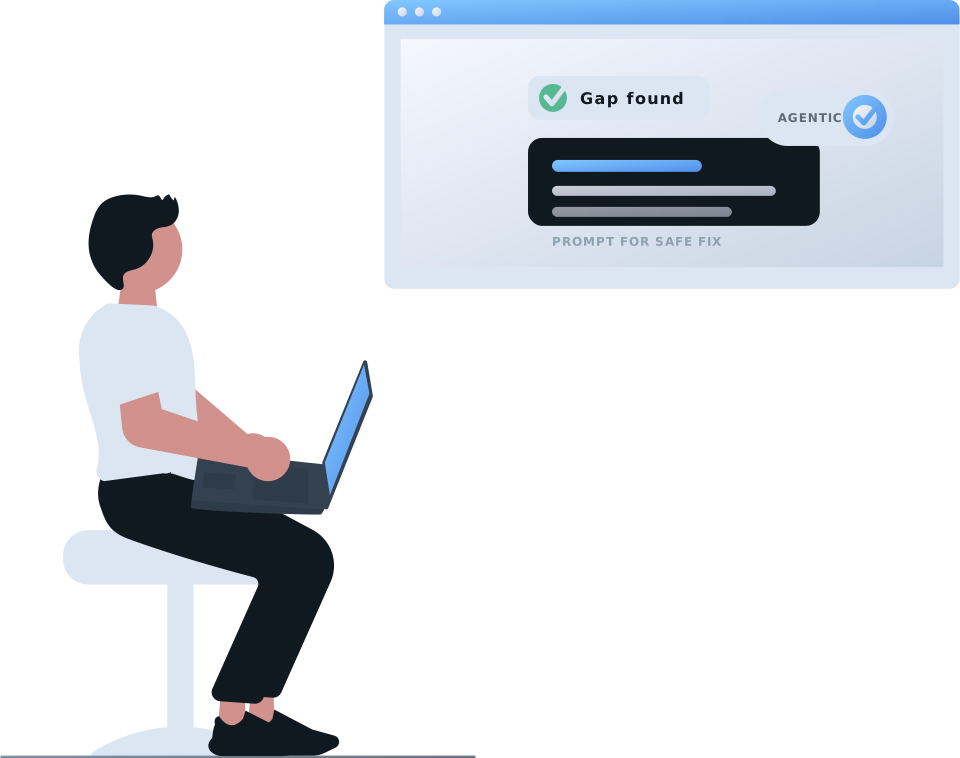
Once a result needs remediation, the owner turns it into work an agent can pick up. The prompt captures the desired outcome, the constraints, and how the analyzer will verify the result.
The prompt gives agents clarity
- What concrete change should be made
- Which project constraints must be respected
- Which local tests or commands should be run
- How the analyzer verifies the fix
Give the agent the right starting point
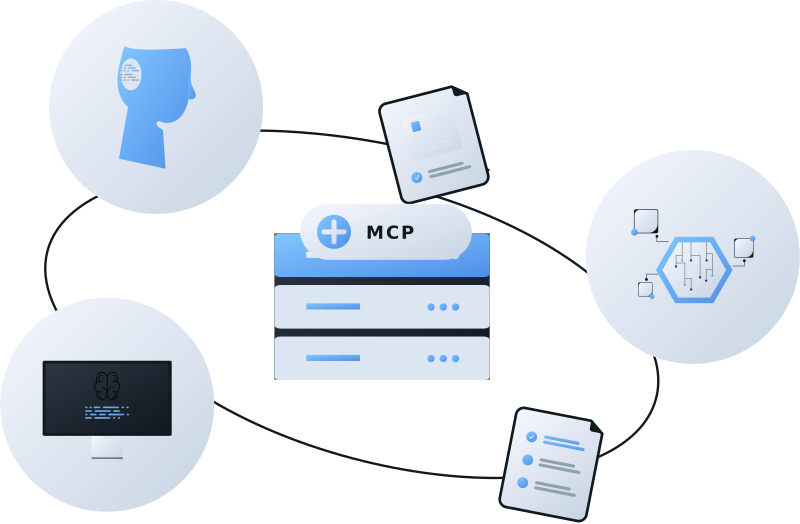
The MCP CLI integration resolves the current project the same way the analyzer does. It then asks Omniboard which actionable findings currently apply, so the agent starts from the right project and the right instruction.
- Find the actionable check for this project
- Execute the prompt to make the desired change
Turn guidance into a change
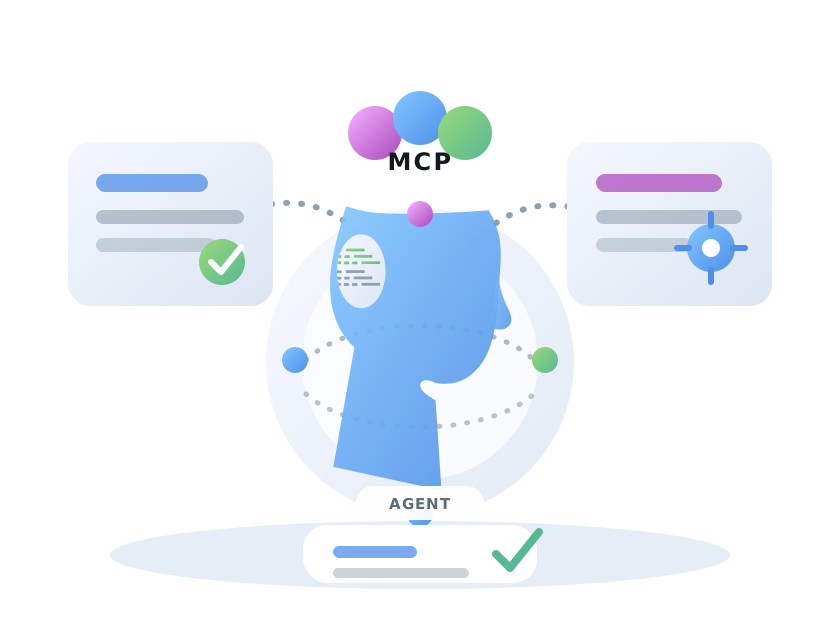
The agent receives the finding, the prompt, and the project context together. That gives it enough context to make the intended change while respecting the local repository workflow.
This is not a generic prompt pasted into a random repository. The agent starts from a current finding, a specific project scope, and guidance authored by the person who owns the standard.

Verify the result
When validation is enabled, the agent can run the analyzer for the specific check and report whether the attempted change is resolved or still matching.
The next analyzer upload updates Omniboard dashboards and result views. The environment can move from "we found a failing standard" to "we fixed it and verified it" without the owner repeating the same instructions in every repository.
What teams gain
MCP CLI setup
The MCP CLI package uses the MCP stdio transport. Pass
OMNIBOARD_API_KEY_MCP_CLI through the coding client's
MCP server configuration. Add OMNIBOARD_API_KEY only
when agents should be allowed to run analyzer validation.
Read the current package README on npm.
[mcp_servers.omniboard]
command = "npx"
args = ["-y", "@omniboard/mcp"]
startup_timeout_sec = 30

[mcp_servers.omniboard.env]
OMNIBOARD_API_KEY_MCP_CLI = "your-api-key"
OMNIBOARD_API_KEY = "your-api-key" # optional analyzer validation